

- Developer
- Simple Design Ltd.
- Installs
- 10M+
- Downloads
- 1
- Views
- 2
- Updated
- Oct 31, 2026
Screenshots
About Auto Clicker: Auto Tapper
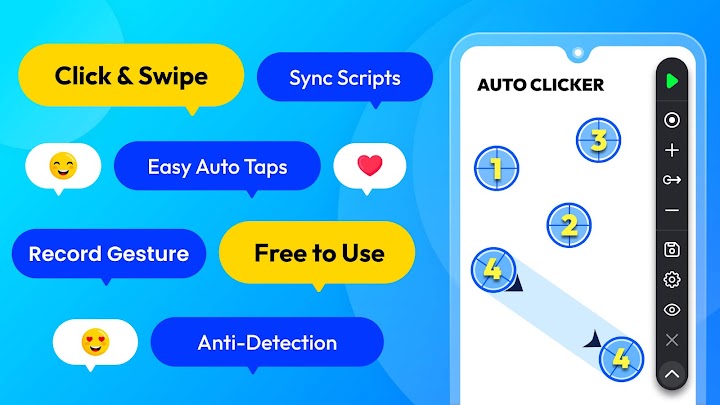
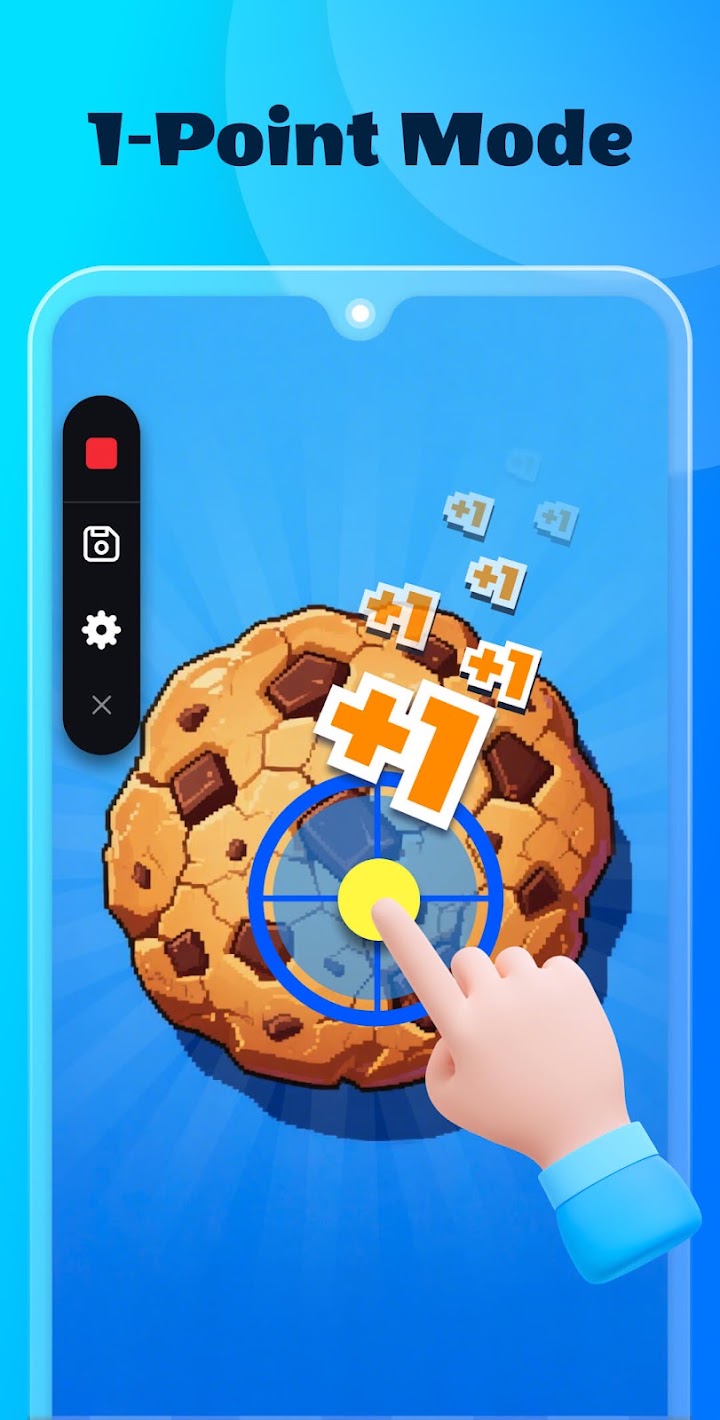
Any app, any interval, any location, once you specify, Auto Tapper can do repeated clicks or swipes WITHOUT ROOT access!
Our floating panel controls or adjusts scripts fast.
It also assists in your reading and browsing short videos, so you can use the time to do other things and save your time!
Great Features:
- User-friendly interface, easy to use
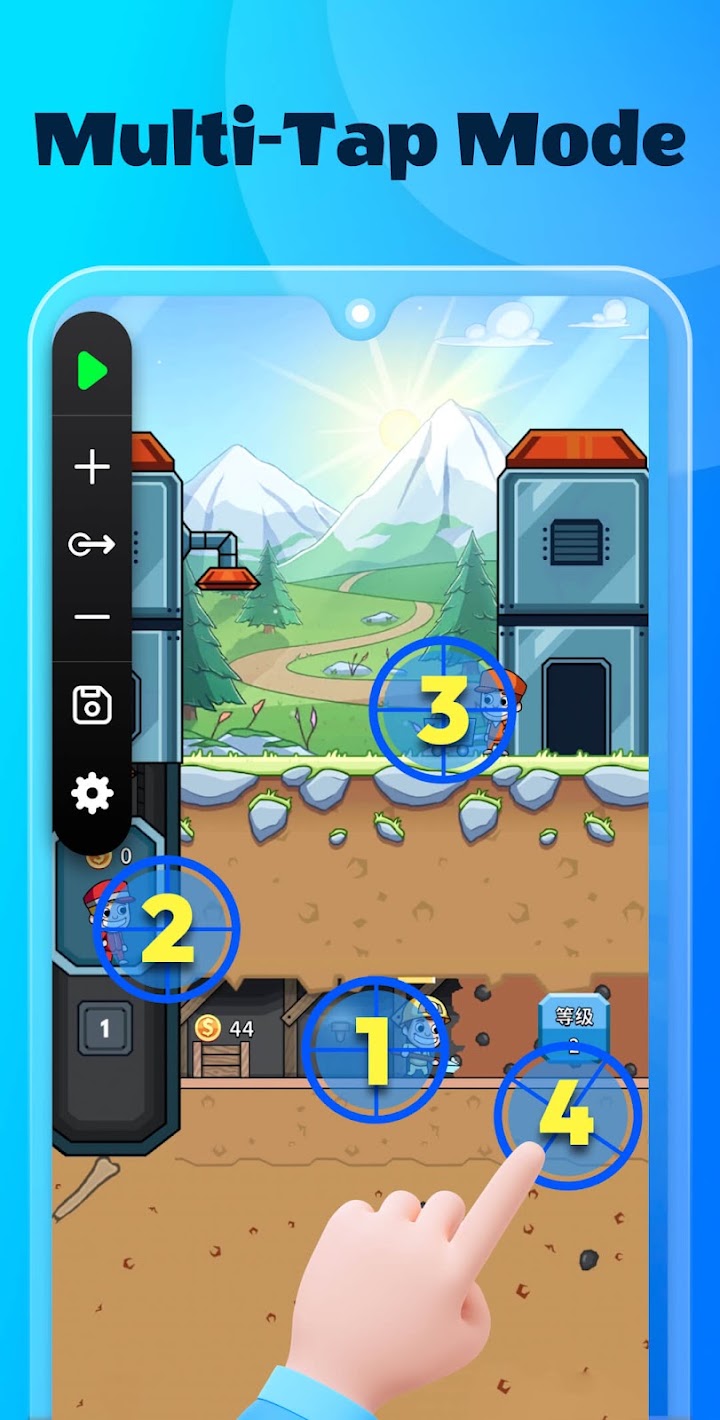
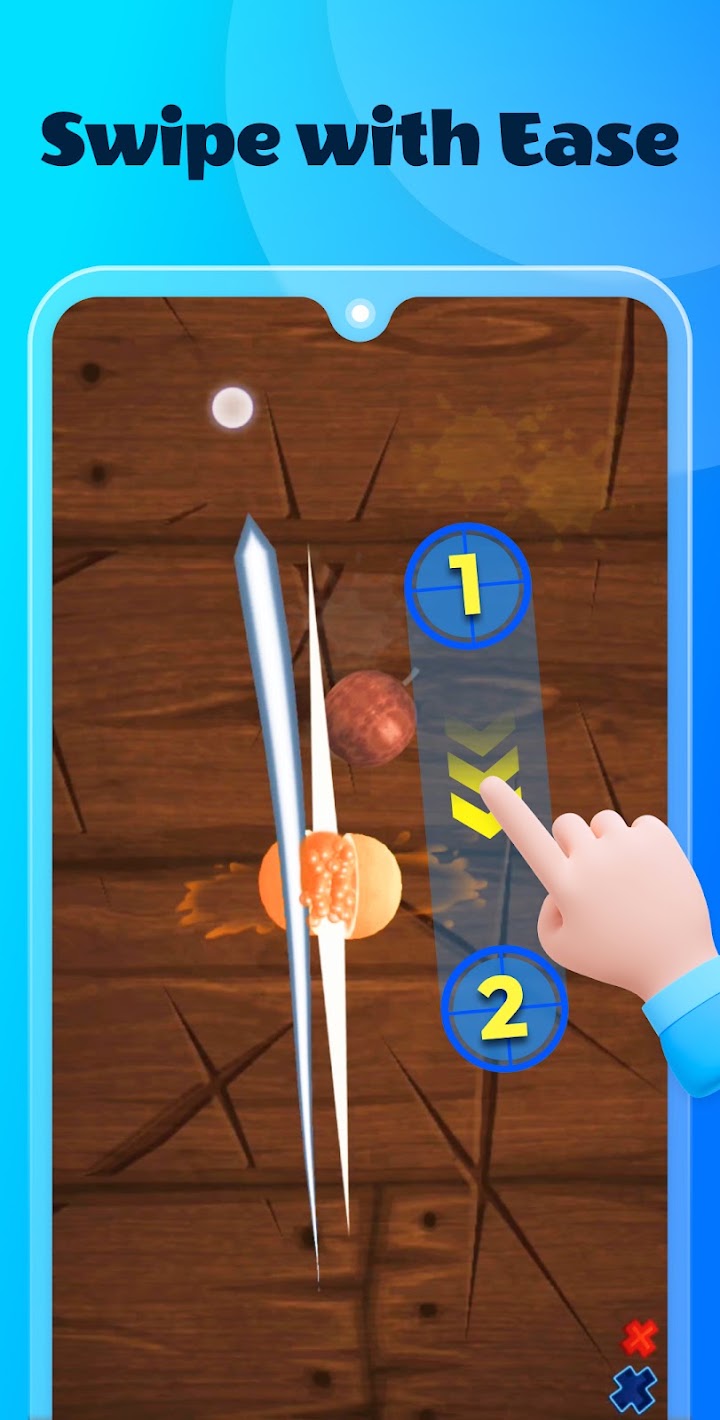
- Add click or swipes - You can easily add and resume multiple clicks points or swipes routes
- Customize scripts - Save, import and export automatic scripts as you like
- Safe data storage - Sync your scripts data simply and safely with cloud storage
- Support multiple situations - Testing screens, reading novels, etc.
- No Root
Note:
- Available for Android 7.0 or above
- Require Accessibility Service to realize scripts
Important:
- Why do we use AccessibilityService API?
We use API services to help implement our app's main features, such as simulating auto clicks and swipes on the screen.
- Do we collect private data?
We do not collect any private data in this way.
Works well when it runs, but the experience before that is frustrating.
Good: Once the script is running, it does its job. Ads are minimal, with one startup ad and a bottom banner, and neither shows up while a script is active.
Bad:
On my OnePlus Nord 30, it asks for permissions every time I open it. I have to go into Accessibility settings, turn it off, and turn it back on before it works.
Loading is very slow, sometimes over 4 minutes. My Wi-Fi is fast and everything else on my phone is instant, so I don’t think it’s my connection.
Sometimes it gets stuck on a screen saying “This action might contain Ad”. No ad appears, and the app never loads, even after force-closing and reopening.
The core feature is useful, but the permission reset, the slow loading and the loading-screen freeze make it unreliable. I’d happily go up to 5 stars if these are fixed.